HOW TO USE DANABUS APPLICATION
1. General introduction
- With the goal of constantly improving the quality of public bus services in the area, from 2017 April, Da Nang city officially put into use Danabus application. The Danabus App is used to look up bus routes and routes in Danang City. Please see detail below:
- Look up bus routes and track bus position in real time to help bus passengers know the details of the route, the exact time the bus to the station, take the initiative in setting the time wait and take the bus.
- Optimal route search function helps bus riders find routes suitable to the beginning and end points.
2. Equipment
Software running on mobile phones supports operating system:
- iOS: version 9.0 or higher.
- Android: version 5.0 or higher.
Note: The application will need to access the location of the user to retrieve the data so the device must support a global positioning (GPS) connection. Without GPS, the application will not be able to determine the current location of the user.
3. Application setting
Step 1: For mobile devices running Android operating system, passengers access the CH Play app store. For mobile devices running IOS, passengers access the Apple Store.
Step 2: Type in "DanaBus" in the search box, select DanaBus application and press "Settings" to start downloading the application to computer as shown below.
.png)
4. Search Routes
Step 1: Select the new download application will display the interface as shown below and the application will position your current coordinates (Note: Application requires 3G or wifi to operate).
.png)
Step 2: Select the "Starting point" field: Enter the address where you want to go.
Step 3: Select the " destination" box: Enter the address where you want to go.
Step 4: Click "Finish", the application will find you a suitable route, saving you maximum time.
5. Search for the bus routes map
- In the "Map" option, you can choose to view one or more lines at the same time.
- If you want to see the details of stops, click "Show stations".
- Tap "Nearby stations" if you want to know the stops near your current location.
.png)
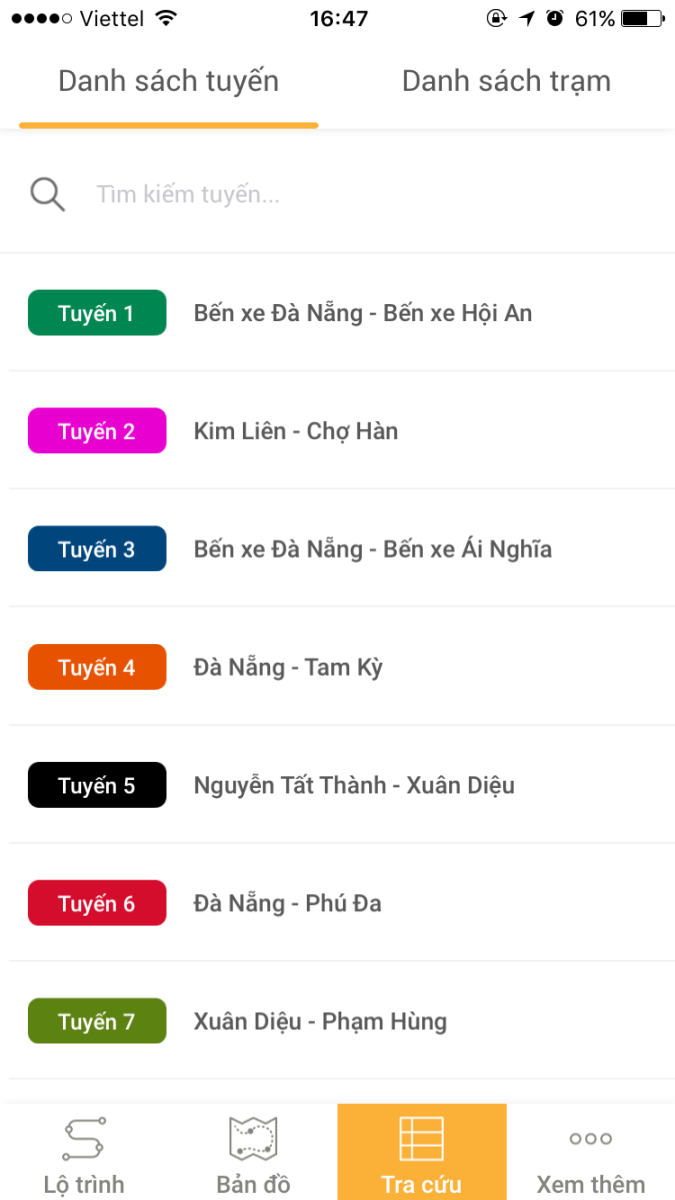
6. Search for "Lines list":
- You can look up all necessary information for each bus route in the "Lines list".
- The "Station List" will give you the address of all the bus stops available in Danang City. Clicking on each of the stops will give you information about the bus routes passing through that stop.
- You can look up all necessary information for each bus route in the "Lines list".
- The "Stations List" will give you the address of all the bus stops available in Danang City. Clicking on each of the stops will give you information about the bus routes passing through that stop.
7. Search information “See more”
If there is any dissatisfaction with the DanaBus service, please click "Feedback Danabus service" and select "Send feedback", then enter your feedback and click "Submit".
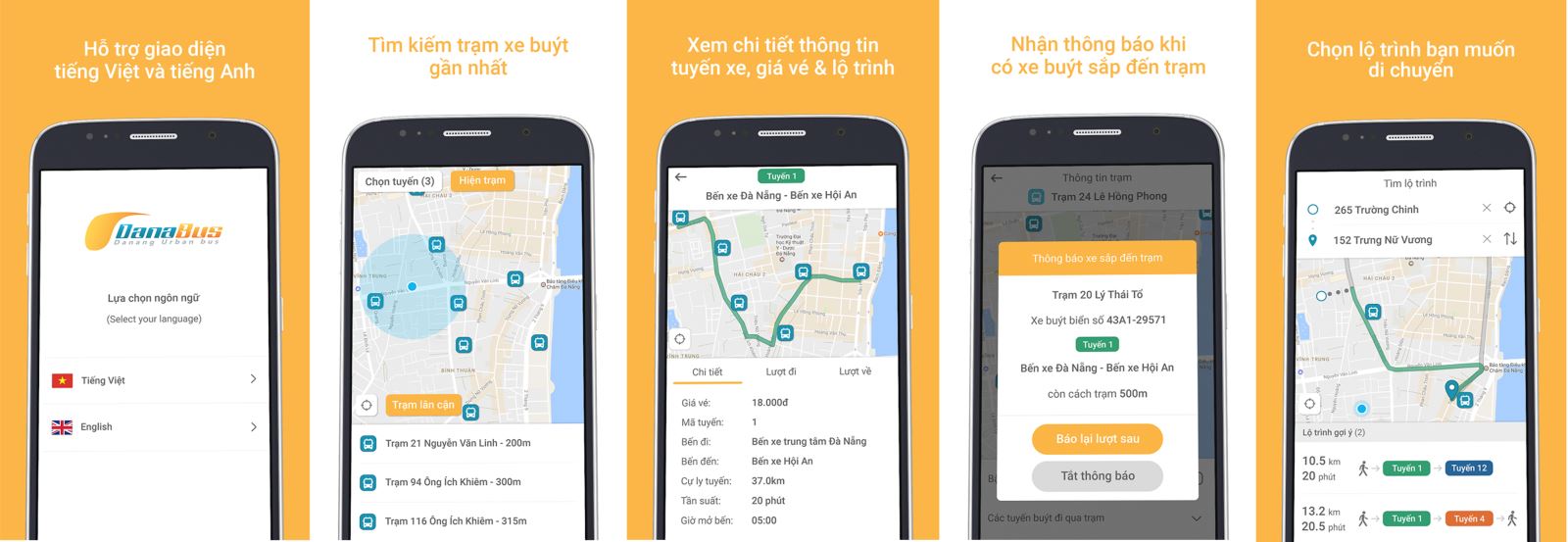
The DanaBus application software can be downloaded from the PlayStore of Google and the Apple Store with the keyword "Danabus" or directly by clicking on the link below:
Android: https://play.google.com/store/apps/details?id=asia.vietnam.danabus.danang
iOS: https://itunes.apple.com/us/app/danabus/id1213733363?ls=1&mt=8
Mơ Lê – Datramac